iPad app development

iPad App Development Services Built for the Larger Screen

Our iPad app development services give you an app designed for the tablet, not a stretched phone layout. One cross-functional Netofficials team, led by a named delivery lead, scopes, designs, builds and tests it for field, sales, retail or internal use. Send a short brief and we will propose a written scope.

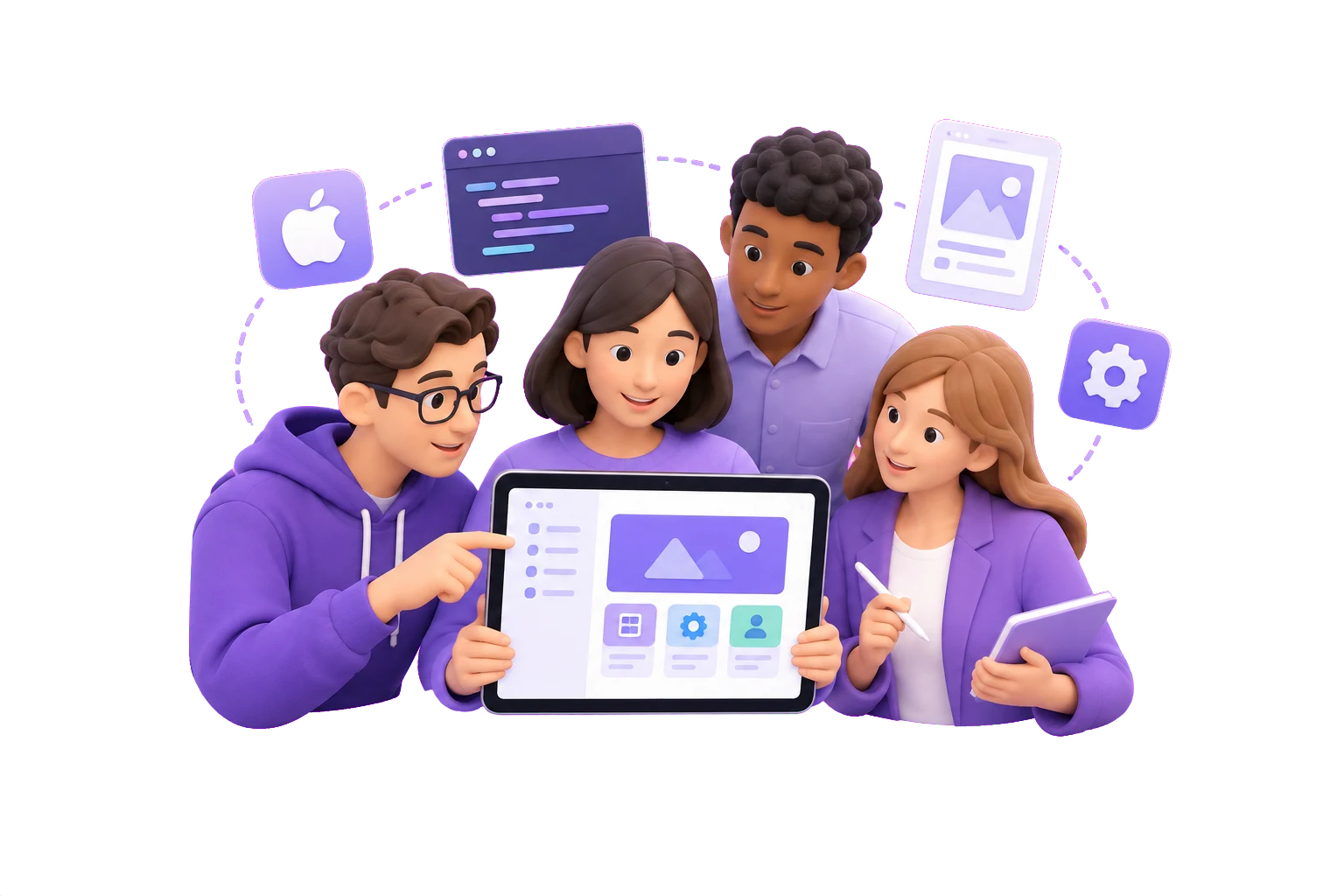
Illustration of a connected product team
Team
One cross-functional team covers front-end, back-end, mobile, QA and DevOps on your iPad app.
Contact
A named delivery lead owns day-to-day progress and keeps you updated, while a technical architect is accountable for code quality.
Ownership
We confirm IP assignment for your iPad app in the contract before any code is written.
Reviews
Each sprint ends with a client-facing review, so you see the iPad build take shape as it progresses.
What you get

An iPad app built for the larger screen

Discovery that sets the iPad brief

You get a written discovery scope that names who uses the app, where they hold the iPad and which workflows come first. We settle early whether the app needs offline use, keyboard input or Apple Pencil, so you don't pay for rework later. If an iPhone app or a wider mobile approach would serve you better, we will say so after scoping.

Layouts that use the space

An iPad app is more than a stretched phone app. We design for split views, side-by-side panels and multitasking, and for touch, keyboard and Pencil where your use case calls for them. You review user flows and interface designs before the build starts, so you see how the screen will be used before engineering begins.

One team through to release

A single cross-functional team handles design, development, QA and deployment, with a named delivery lead owning daily progress and a technical architect accountable for code quality. You see working builds at the end of every sprint and receive documentation and deployment access at handover.

Who it suits

iPad apps built for the larger screen

  • Field, sales or retail teams who need a tablet app for work away from a desk
  • Clinical, service or internal-tool teams whose workflows need a bigger canvas, keyboard or Apple Pencil input
  • Owners of an iPhone app who need a proper iPad layout, with iPad-only or wider mobile scoped together
Illustration of a connected product team
How an iPad project runs

How your iPad app moves from scope to release

  1. Discover

    We write down the problem, the users and the iPad scenarios that matter, such as handheld use, a desk stand or a keyboard. You confirm which workflows belong in the first release and which wait.

    You receive
    • Written discovery scope
    • Open questions list
    • Initial estimate

    You approve the written discovery scope

  2. Design

    Our team lays out screens that use the larger display, covering split views, multitasking and input methods such as the keyboard or Apple Pencil where your use case needs them. You review the flows and the architecture direction.

    You receive
    • iPad screen flows
    • Landscape and portrait layouts
    • Architecture notes

    You review the designs before development starts

  3. Build

    The cross-functional team builds the prioritised workflows and integrations in short sprints. Your delivery lead keeps day-to-day progress visible, and you see working builds as they develop.

    You receive
    • Staging iPad builds
    • Sprint review sessions
    • Test results per sprint

    You review the build at the end of every sprint

  4. Validate

    QA tests the app against the acceptance criteria agreed up front, on the iPad hardware and screen sizes your users have. You work through the results and the open issues with us.

    You receive
    • Acceptance criteria checklist
    • iPad device QA report
    • Tracked issue log

    You accept the iPad build against the agreed criteria

  5. Release

    We plan the App Store submission and production deployment with you, then hand over the documentation and deployment access your team needs. You review the release plan and agree what ongoing improvement follows.

    You receive
    • App Store-ready release build
    • Handover documentation
    • Deployment access handover

    You take over documentation and deployment access

Ready to scope your iPad app?

Send a short brief covering the use case, the devices involved and the systems the app must connect to, and we reply with questions, a proposed scope and the team we would assign.

Start my brief
Cost drivers before estimates

What shapes your iPad app estimate

Screens, input and offline use

The iPad use case sets the biggest share of the scope. A field inspection tool that must work offline, take Apple Pencil annotations and run in split view needs more design and engineering than a read-only catalogue. We settle these choices in the written discovery scope, so the estimate rests on named screens and behaviours rather than guesses.

Integrations and data

Connections to your CRM, ERP, payment or identity systems, plus how data syncs when the iPad is offline, are the next cost drivers. We map each integration and its owner during discovery. Surprises then surface before the build starts, not halfway through a sprint.

Team, release and handover

Cost also follows the team you need and how the app reaches users. Your delivery lead and technical architect are scoped with the cross-functional team, and testing across iPad models and iPadOS versions, App Store submission and handover of documentation and deployment access are planned up front. Anything outside the agreed scope goes through a change request.

Engagement models

Three ways to build your iPad app with us

Project delivery

Fixed-price delivery of an iPad app with a defined scope, suited to a single tablet product with clear requirements, such as a field-work, sales or internal tool.

  • Fixed price set against a written discovery scope, with acceptance criteria for each iPad screen flow
  • A review at the end of every sprint, so you see the iPad layouts and workflows as they develop
  • Out-of-scope requests, such as an added Apple Pencil feature, priced through a change request before work starts

Dedicated team

An India-based development team that keeps building your iPad app roadmap release after release, suited to products that will keep growing after launch.

  • A cross-functional team covering mobile, back-end and QA, with a named delivery lead for day-to-day progress
  • One cross-functional team of mobile, back-end, QA and DevOps specialists, led by a named delivery lead
  • A technical architect accountable for system design and code quality on your iPad app

Staff augmentation

Individual engineers who join your in-house team to add iPad skills, suited to companies that already run their own product and process.

  • Mobile engineers or QA testers added to fill a gap in your iPad app team
  • Engineers who work in your repositories, ticketing and sprint tools
  • Overlap hours, meeting schedule and update cadence agreed before the first day
Technology for your iPad app

Swift and UIKit or SwiftUI, chosen for your iPad app

Netofficials builds iPad apps in Swift, using UIKit, SwiftUI or a mix of both, depending on what your screens need. Our technical architect, who is accountable for technology selection and code quality standards, recommends the framework in the written discovery scope. The recommendation rests on your layouts, input needs, existing systems and who will maintain the app after release. You see the reasoning before the build starts, so there is no surprise rework later.

ReactNode.jsPythonPostgreSQL
Before you send a brief

Questions before you brief us on your iPad app

What decides the cost and timeline of an iPad app?

Four things set the cost and timeline of an iPad app: the scope of the first release, the integrations with your existing systems, the input and offline needs such as Apple Pencil, keyboard or working without a connection, and the team size required. We do not quote a price before we know these. After the written discovery scope, you receive an initial estimate with the assumptions behind it, and the commercial terms are agreed before the build begins.

Who owns the code, and who do we talk to during the project?

You own the code: IP assignment is confirmed in the contract before the build begins. A named delivery lead owns day-to-day progress and speaks to you throughout, while a technical architect is accountable for system design and code quality. We agree the communication window, meeting schedule and update cadence with you before work starts, and at release we hand over documentation and deployment access.

Should we build for iPad only, or for iPhone as well?

Build for iPad only when the app is used on tablets, for example for field work, sales conversations, retail or clinical tasks that need the larger screen. If your users also need phones, or you already have an iPhone app that needs a proper iPad layout, a wider mobile approach may serve you better. We cover this in discovery and will recommend the better route after scoping, so send a short brief with your users and devices.

Send a brief for your iPad app

Tell us what the app must do on the iPad, who will use it and which systems it needs to connect to. We reply with questions and a written discovery scope, and we say plainly if an iPhone-and-iPad or wider mobile approach would serve you better. You then know the scope, the team and the review points before you commit to a build.

Talk about your project